
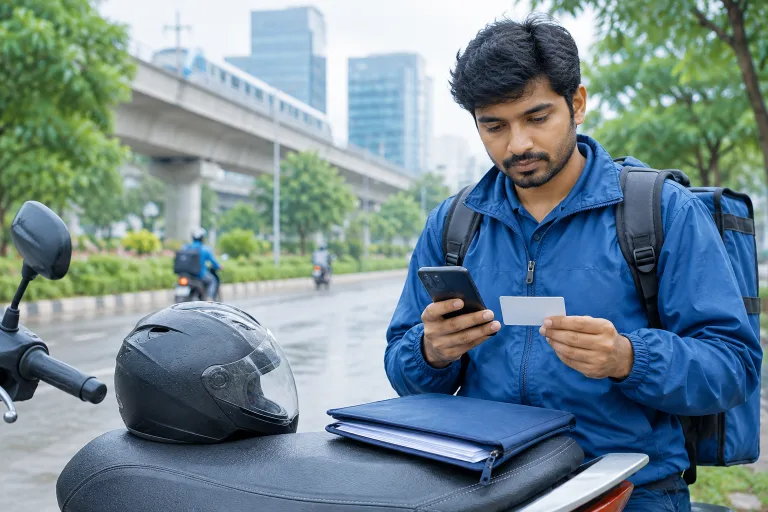
Yes: a driving licence or RC shown in DigiLocker counts the same as the paper one. In August 2018 the road transport ministry asked states to accept a licence, registration certificate or other document presented in electronic form through DigiLocker or mParivahan as valid under the Motor Vehicles Act. Records pulled into either platform are legally recognised at par with the originals under the Information Technology Act, 2000 (PIB, August 2018). In Bengaluru, the traffic police list the licence, RC, PUC certificate and insurance certificate as the papers to carry, and take them as originals or on DigiLocker or mParivahan (BTP FAQ, as of October 2026).
One condition decides whether your phone copy counts: where it came from.
What counts and what doesn't
| On your phone | Counts as the original? | Source |
|---|---|---|
| Licence or RC pulled into DigiLocker from the transport records | Yes | PIB, August 2018 |
| Virtual licence or RC in mParivahan | Yes | same |
| A scan you uploaded to DigiLocker yourself | No: DigiLocker's at-par rule covers issued documents | Assam IT Department, as of October 2026 |
| A photo in your gallery or on WhatsApp | No | PIB, September 2019 |
DigiLocker has two kinds of documents. Issued documents come straight from the department that issued them, and under Rule 9A of the IT rules for digital lockers, notified in February 2017, they are deemed to be at par with the physical originals. Separately, every account gets storage to upload scanned copies of older papers (Assam IT Department, as of October 2026). The scan helps you keep a copy; the issued licence is the one to show.
The ministry's 2019 procedure is just as clear about photos: unless the electronic documents are on mParivahan or DigiLocker, they are not treated at par with the originals (PIB, September 2019).
Adding your licence and RC
DigiLocker's own steps are short: register, verify yourself, fetch your documents, share them when needed (DigiLocker, as of October 2026). The licence and RC come from the transport department's records: the DigiLocker platform can pull a licence or registration certificate from those databases in electronic form (PIB, September 2019).
If your licence doesn't show up, the record may not have reached the national licence database yet. According to Parivahan's FAQ, your RTO must migrate the licence details to Sarathi, and if DigiLocker still can't find them, the RTO is where to go (Parivahan FAQ, as of October 2026). Changed your address recently? Our guide to updating the address on your DL and RC covers that first.
Insurance and PUC
Bengaluru Traffic Police includes the pollution certificate and the insurance certificate in the list of papers you can show from DigiLocker or mParivahan (BTP FAQ, as of October 2026). For insurance there is one more layer: insurance data is uploaded to the vehicle database daily, and when the record shows a policy in force, the 2018 advisory says a paper insurance certificate should not be demanded (PIB, August 2018). A policy renewed this morning may take a day to appear, so keep the insurer's PDF too.
If an officer asks for the originals
Stay calm and show the documents in the app. The central rules changed in October 2020: if the enforcement officer validates your documents electronically, the physical versions are not to be demanded, even in a case where documents have to be seized, and the time of the check and the officer's identity are recorded on the portal (PIB, September 2020). Impounding a document can be recorded electronically through the eChallan system, with no need to take the paper away (PIB, August 2018).
Three things make that work at the roadside:
- A charged phone. A flat battery means nothing to show. Charge before the shift and carry a power bank.
- The right copy. Open the issued document in DigiLocker or the virtual document in mParivahan, not a screenshot.
- The QR code. mParivahan's QR code can be checked offline, and enforcement officers can see the same details in their eChallan app (PIB, September 2019).
Keep the paper originals safe at home, not in the delivery bag. Which papers each company asks to see at joining is in our documents guide; what to keep ready after a crash is in after a road accident on a delivery.
The rest of the phone toolkit
DigiLocker is one of several free tools worth setting up before your first shift. The others, from blocking a lost phone to Plus Codes for hard addresses, are covered in our guide to phone tools for Bangalore riders. For the app's own virtual documents and vehicle check, see mParivahan for delivery riders.
Papers ready? Apply for a delivery job.
