
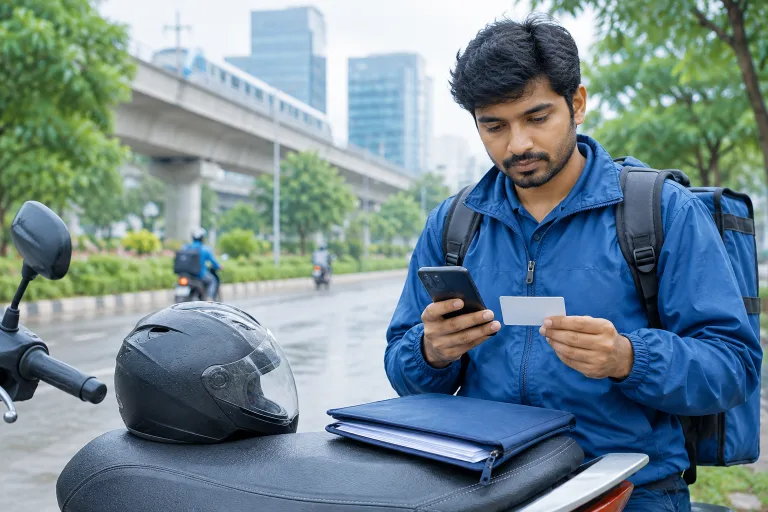
mParivahan is the road transport ministry's own app, provided through the National Informatics Centre (NIC) (PIB, September 2019). For a delivery rider it does two jobs. It holds a virtual driving licence and RC that count the same as paper at a traffic check, and it shows a vehicle's registration, insurance and fitness validity when you enter its number, which is worth a few minutes before you buy a second-hand bike in Bengaluru.
What the app does
| Feature | What it means for you | Source |
|---|---|---|
| Virtual licence and RC | Your papers on the phone, in place of the cards | NIC Informatics, January 2020 |
| QR code on the virtual documents | Police can check them offline | same; PIB, September 2019 |
| Details by licence or vehicle number | RC, licence, fitness, insurance and permit validity in real time | PIB, September 2019 |
| Insurance data | Insurers upload new policies and renewals to the national vehicle database daily | PIB, August 2018 |
| RTO guide | Find the nearest RTO on the map | NIC Informatics, January 2020 |
Legally it stands where DigiLocker does: the ministry's August 2018 advisory covers documents shown through either platform, and treats them like the printed certificates (PIB, August 2018). Our post on what Karnataka traffic police accept from DigiLocker covers what to do at a check, including when an officer asks for paper.
Your own licence and RC
Keep your physical licence and RC next to you when you add them. The app is connected to the national Vahan (vehicles) and Sarathi (licences) databases (NIC Informatics, January 2020), so what you type has to match the record there. Once added, open the virtual documents once while you have data, and check the name, the vehicle number and the validity dates.
If your licence won't come up, the record may still be sitting with your RTO. A Parivahan FAQ answer, written for DigiLocker users, puts the job on the RTO: it is the RTO that transfers a licence record to Sarathi (Parivahan FAQ, as of October 2026). Both apps draw on the same national records, so the fix starts at the RTO.
Checking a second-hand bike before you pay
Buying a used bike for deliveries? Before any money changes hands, enter the bike's registration number in mParivahan and compare what comes up with the RC the seller shows you:
- Does the vehicle match? Model and registration details should match the RC and the bike in front of you.
- Is the insurance live? Insurance validity is one of the details the app shows (PIB, September 2019). A lapsed policy is a cost you'll carry from day one.
- Do the seller's papers agree? If the app and the paper RC disagree, stop and ask why before you go further.
For a sale, NIC lists one more feature: an option for time-bound sharing and receiving of RC details of other vehicles' owners during a sale or purchase (NIC Informatics, January 2020). Use it alongside the paperwork, not instead of sitting with the seller and the original RC. The full set of checks, the transfer forms and Karnataka's fees are in our guide to buying a used bike in Bangalore.
Privacy and fake look-alikes
- Your QR code carries your details. Show it to an officer at a check; don't post a screenshot of your virtual licence in group chats.
- Pay fines only on official sites. The eChallan portal's notice warns of fraudulent websites and mobile apps impersonating its service, tells you to use only the official site or app, and says it never asks for your password, OTP or payment details through calls, emails, messages or links (eChallan portal, as of October 2026). A "pending challan" text with a payment link deserves the same suspicion as any other: our UPI safety guide explains why.
Part of a bigger toolkit
mParivahan sits alongside DigiLocker, Sanchar Saathi and Plus Codes among the free tools a Bengaluru rider sets up once: see the full list. The vehicle papers companies want to see when you join are listed in our documents guide.
Bike and papers sorted? Apply for a delivery job.
