
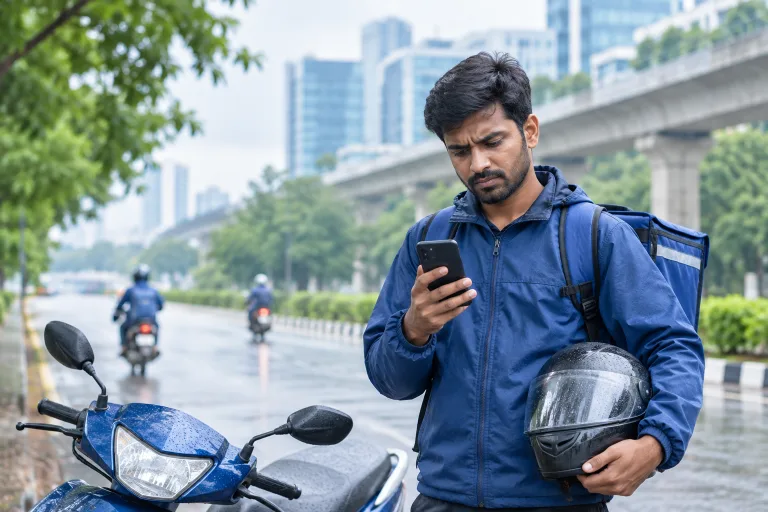
At the door, only one thing proves you have been paid: the credit showing in your own bank or UPI app. Not the customer's screen, not a screenshot, not a forwarded SMS. And you never need to scan a QR code or enter your UPI PIN to receive money. If anyone asks you to, they are trying to take money out of your account (RBI, January 2022).
Why this matters on a delivery shift
You are at a gate in Koramangala or a flat in Whitefield, the next order is already waiting, and the customer is in a hurry too. Tricks at the door count on that rush. Bengaluru police data shows online money transfer frauds rising from 79 cases in 2022 to 1,197 in 2025, with 656 more in the first half of 2026 (Deccan Herald, as of August 2026). A few seconds of checking is always worth it. The cases on record below come from shops and phone fraud, not from delivery riders, but a cash-on-delivery handover at a customer's door works the same way.
Trick 1: the fake "payment successful" screen
The customer shows you a phone with a green tick and "payment successful", or sends you a screenshot. It looks real because it is designed to.
In Byadarahalli, police tracked down a couple who bought ₹1 lakh of gold from a jeweller using a fake app called "Prank Payment", which shows a made-up payment window. The jeweller realised only after they had left (Deccan Herald, March 2024). A Moneylife fraud guide puts the rule simply: a screenshot is not proof of payment, and neither is a forwarded SMS or someone's word (Moneylife, August 2026).
What to do: wait for the credit alert in your own app, or open your app and look at the transaction history. Only then hand over the order.
Trick 2: "I sent extra, please refund the difference"
The customer says they paid more than the bill by mistake and asks you to send back the extra. Their proof is a screen or a message, which is the same trick as above with one more step: this time you pay them.
What to do: open your own app. If the exact amount is not there, nothing extra arrived. Say politely that you can only go by what your app shows. A genuine wrong payment is for the customer to raise with their own bank or UPI app. Never "refund" from your own account because of someone else's screen.
Trick 3: the request or QR code that "sends you money"
Here the customer, or a caller, says a refund or payment is waiting and you just need to approve a request or scan a code and enter your PIN to receive it. Moneylife explains why this is backwards: your UPI PIN only ever authorises money leaving your account, and approving a payment request can just as easily send money out as bring it in (Moneylife, August 2026). The RBI says the same: receiving money does not need scanning a QR code or entering your MPIN (RBI, January 2022).
What to do: before entering a PIN anywhere, read the screen: who gets the money, and how much. If the screen says "pay" and you were meant to be receiving, cancel.
A quick routine for every door
- Tell the customer the amount, clearly.
- Let them pay on their phone. Don't take their phone in your hand.
- Look at your app for the credit, with the right amount.
- Hand over the order only after you see it.
- Never enter your PIN, never scan a QR to "receive", never refund from your own account on the basis of someone's screen.
- If you feel pressured, step back and contact your company's rider support before you hand anything over.
If money has gone out of your account
Call your bank straight away to report the transaction, then call 1930. Keep the transaction ID, screenshots, phone numbers, UPI IDs and messages (Moneylife, August 2026), plus the order details. The complaint steps are in our guide on how to report a scam on 1930. Payment tricks happen once you are on the job; our guide to fake delivery job offers in Bangalore covers the ones that start before you even join.
New to door deliveries? Our guides to food delivery work and quick-commerce work explain what a shift involves.
